If you rely on AirTags to keep track of keys, bags, or anything else in your daily life, a low-battery alert can feel like an inconvenience you didn’t plan for. The good news is that learning how to replace AirTag battery is simple, quick, and entirely doable at home.
As someone who has swapped hundreds of CR2032 batteries in small tech devices over the years, I can assure you the process is straightforward, so long as you follow the steps carefully and avoid a few common mistakes.
In this guide, I’ll walk you through the exact method Apple recommends, what battery to use, how to confirm the AirTag is working afterward, and the troubleshooting steps people often miss.
Why Do You Need to Replace an AirTag Battery?

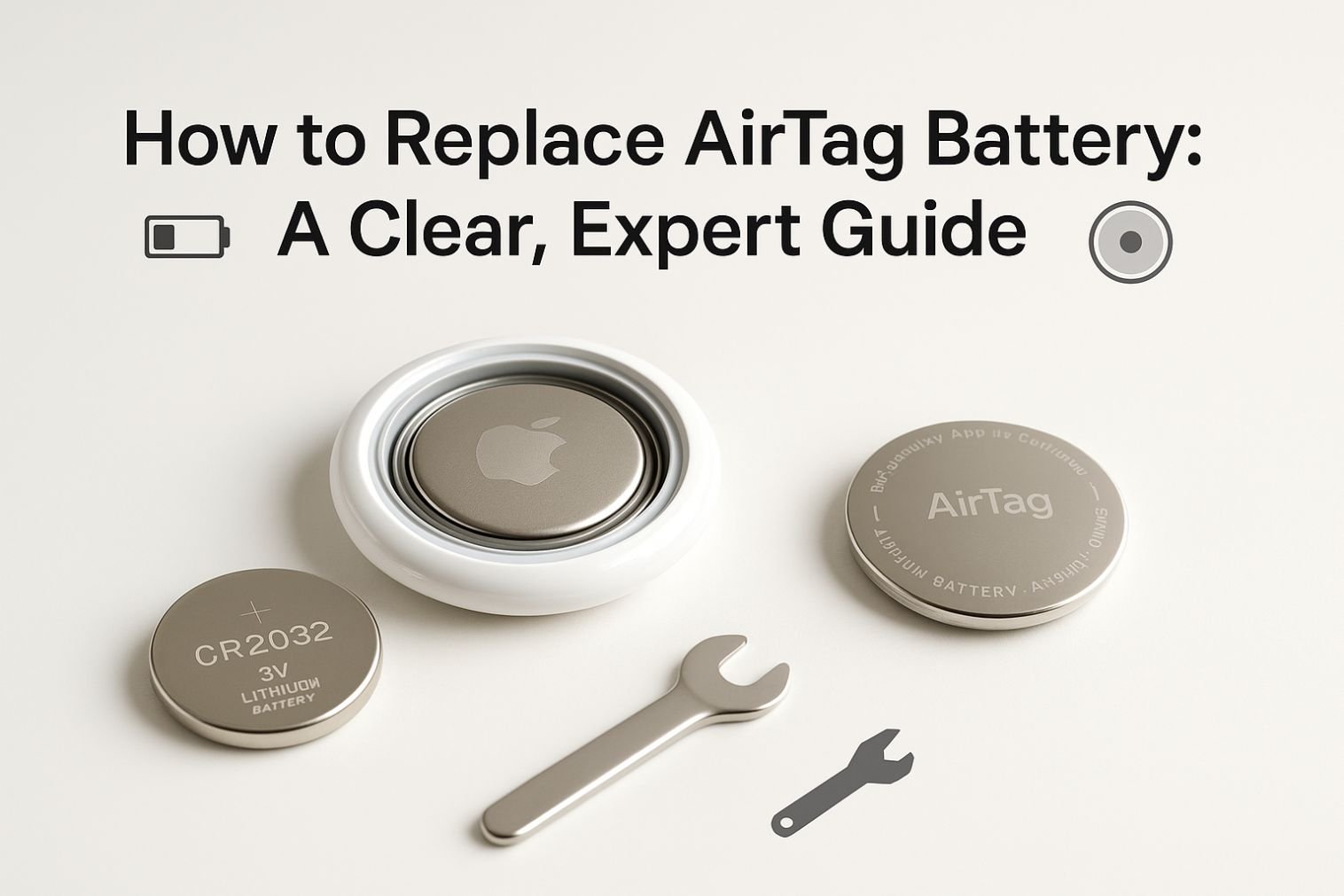
AirTags use a single CR2032 lithium coin battery, which typically lasts about 12 months depending on usage. Once the battery gets low, your iPhone sends a notification. You’ll also see a low-battery indicator inside the Find My app.
Replacing the battery does not erase your data, disconnect the AirTag, or affect tracking performance. It simply restores power.
What Battery Does an AirTag Use?
Before you open your AirTag, make sure you have the correct replacement.
Battery Specification
- Type: CR2032 lithium coin cell
- Voltage: 3V
- Polarity: Positive (+) side faces up when inserting
- Important: Avoid CR2032 batteries with bitterant coating, as Apple notes they may not always make proper contact.
You can find CR2032 batteries in most electronic shops, supermarkets, and online.
Quick Comparison Table: AirTag Battery Options

Here’s a simple table to help you choose the right replacement battery:
| Battery Type | Works with AirTag | Notes |
| Standard CR2032 Lithium Coin Cell | Yes | Best overall option; reliable connection |
| CR2032 with Bitterant Coating | Sometimes | Child-safe but may not make proper electrical contact |
| CR2025 | No | Thinner; does not fit or power AirTag |
| CR2450 | No | Too thick; incompatible |
| Rechargeable CR2032 | Not recommended | Lower voltage; may cause intermittent performance |
How to Replace AirTag Battery: Step-by-Step

Replacing the battery takes less than 30 seconds if done correctly. Here’s the most accurate method based on Apple’s official instructions and real-world experience.
Step 1: Remove the Battery Cover
Hold your AirTag with the white front facing you and the stainless steel side facing up.
- Place the AirTag in your palm.
- Press firmly down on the stainless steel cover.
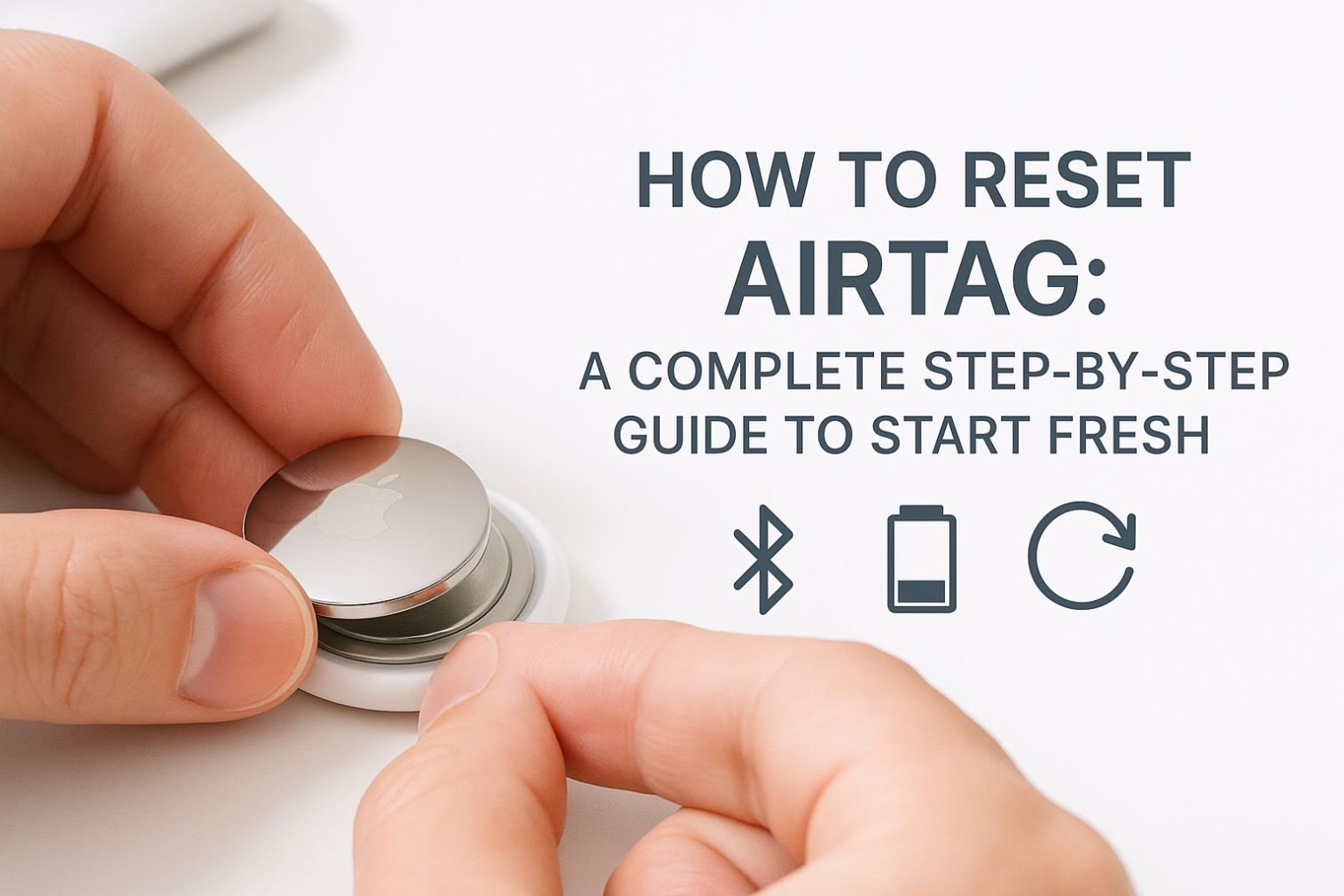
- While pressing, rotate the cover counter-clockwise until it stops.
- Lift the cover to expose the battery compartment.
If the cover feels stuck, apply steady, even pressure—don’t twist too aggressively.
Step 2: Insert the New Battery
Once the cover is off:
- Remove the old battery.
- Insert a new CR2032 battery with the positive (+) side facing up.
- You should hear a short sound, confirming the AirTag has power again.
If you don’t hear a sound, check that the battery is inserted correctly and that the compartment is clean.
Step 3: Reattach and Lock the Cover
To close the AirTag:
- Align the three tabs on the cover with the three corresponding slots on the AirTag.
- Press down firmly.
- Rotate the cover clockwise until it locks in place.
It should feel secure with no wobble.
How to Confirm Your AirTag Is Working
After replacing the battery:
- Open the Find My app on your iPhone.
- Tap the Items tab.
- Select your AirTag.
- Check that the battery icon is now restored.
If you still see a low-battery warning, give it a few seconds to refresh.
Signs Your AirTag Battery Needs Replacement
You’ll know it’s time to change the battery if you notice:
- A “Low Battery” alert on your iPhone
- AirTag connection dropping unexpectedly
- Unable to play sound from the Find My app
- Tracking updates taking longer than usual
Changing the battery early ensures uninterrupted tracking.
Common Mistakes to Avoid During Replacement
Replacing an AirTag battery is simple, but a few errors can prevent it from working properly.
Using the Wrong Battery Type
Make sure it’s CR2032, not CR2025 or CR2450.
Choosing a Bitterant-Coated Battery
These are safer for kids but sometimes fail to contact the AirTag’s terminals.
Incorrect Polarity
The positive side must face up.
Not Locking the Cover Correctly
If the tabs don’t align, the AirTag won’t power on.
Dust or Debris in the Compartment
A quick wipe with a dry cloth helps ensure proper contact.
How Long Does an AirTag Battery Last?
On average, one battery lasts about one year, depending on:
- How often you trigger the AirTag sound
- How frequently the AirTag updates location
- Environmental temperatures
- Battery brand quality
High-quality brands like Duracell, Energizer, Panasonic, and Sony generally last longer.
Is It Safe to Replace AirTag Batteries Yourself?
Yes. AirTags are designed for user-replaceable batteries. There are no cables, adhesives, or specialized tools required. Just make sure coin batteries are kept away from children, as they can be a choking hazard.
Dispose of used batteries responsibly many stores and recycling centers accept them.
Troubleshooting: AirTag Not Working After Battery Replacement
If your AirTag doesn’t power back on, try these quick fixes:
1. Reinsert the Battery
Remove it and place it back in, positive side up.
2. Try a Different Battery
Some CR2032 brands with coatings may cause failures.
3. Clean the Contact Points
Use a dry microfiber cloth.
4. Recheck the Cover Alignment
An unlocked cover will prevent power connection.
5. Reset the AirTag
Hold the battery down until you hear a sound, then repeat five times.
After the fifth, reattach the cover.
If none of these work, the AirTag may have internal damage.
FAQs: How to Replace AirTag Battery
1. How often do I need to replace my AirTag battery?
Typically once a year. Your iPhone will alert you when the battery is low. High usage—like frequent sound pings may shorten battery life.
2. What happens if I use the wrong type of battery?
AirTag will not power on. Only CR2032 batteries fit correctly and deliver the required voltage. Using CR2025, CR2450, or rechargeable alternatives can cause failure or inconsistent tracking.
3. Do I need to reset the AirTag after battery replacement?
Usually, no. Once the new battery connects, the AirTag automatically resumes operation. The Find My app should show it as active within seconds.
4. Why didn’t my AirTag make a sound when I installed the new battery?
This can happen if:
- The battery isn’t seated properly
- The cover isn’t locked
- The battery has a bitterant coating
- The battery is dead (common with cheap multipacks)
Try reinserting or using another brand.
Final Thoughts: Replacing Your AirTag Battery
Knowing how to replace AirTag battery saves you time, frustration, and unnecessary trips to the Apple Store. With the right CR2032 battery and a few simple steps, you’ll have your AirTag powered up in seconds.
Proper installation ensures continued tracking accuracy and peace of mind—exactly what Apple designed AirTags for. If you use AirTags daily, it’s a good idea to keep a spare CR2032 battery at home so you’re never caught off guard.